


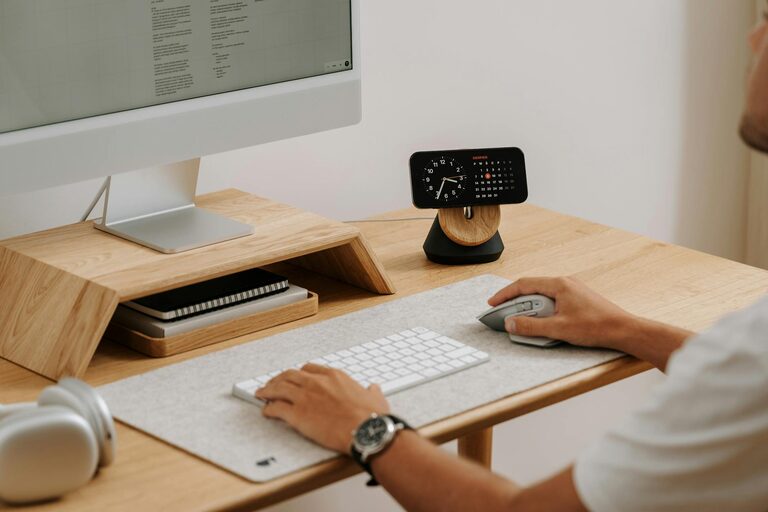
Creating a productive home office space is essential for anyone working remotely or studying from home. A well-organised and comfortable workspace helps improve focus, efficiency, and even motivation. Whether you have a dedicated room or a small corner, the right setup can make a significant difference in your daily work routine. Here are some practical tips to help you create a productive and enjoyable home office.
Choose the Right Location
Find a Quiet Spot
Try to select a space with minimal distractions. Ideally, your home office should be in a quiet area away from household noise and foot traffic. If you don’t have a separate room, consider using a screen or room divider to create a dedicated zone.
Prioritise Natural Light
Natural light not only brightens up your workspace but also helps enhance your mood and alertness. Set up your desk near a window if possible. Use light, sheer curtains to reduce glare without blocking the daylight.
Invest in Comfortable and Functional Furniture
A Good Chair is Essential
Spending hours in an uncomfortable chair can lead to poor posture and fatigue. Choose an ergonomic office chair with adjustable height, lumbar support, and comfortable padding. You might also consider a footrest to keep your feet supported.
Desk Space Matters
Your desk should be spacious enough to hold your computer, documents, and other essentials without clutter. Adjustable desks, including sit-stand options, offer flexibility to change your working position throughout the day.
Keep Your Workspace Organised
Declutter Regularly
A cluttered desk can make it hard to focus. Keep only the essentials on your desk, such as your computer, notebook, and pen holder. Store other items in drawers or shelves to maintain a tidy environment.
Use Storage Solutions
Invest in storage boxes, filing cabinets, or desk organisers to keep paperwork and office supplies organised. Label files clearly, so you can quickly find what you need.
Optimise Lighting and Screen Setup
Use a Desk Lamp
In addition to natural light, a good desk lamp can reduce eye strain during the evening or on darker days. Choose one with adjustable brightness and an angle that doesn’t cause glare on your screen.
Position Your Monitor Correctly
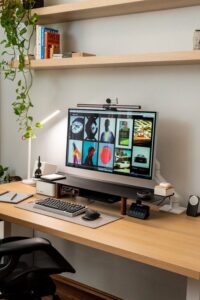
To reduce neck and eye strain, place your computer screen at eye level and about an arm’s length away. Use a monitor stand if needed to raise the height.
Minimise Distractions
Set Boundaries
If you share your home with others, communicate your working hours and ask for quiet during those times. Consider using noise-cancelling headphones to block out background noise.
Limit Digital Interruptions
Turn off non-essential notifications on your phone and computer while working. Consider apps or tools that help block distracting websites during focused work periods.
Personalise Your Space
Add Plants or Artwork
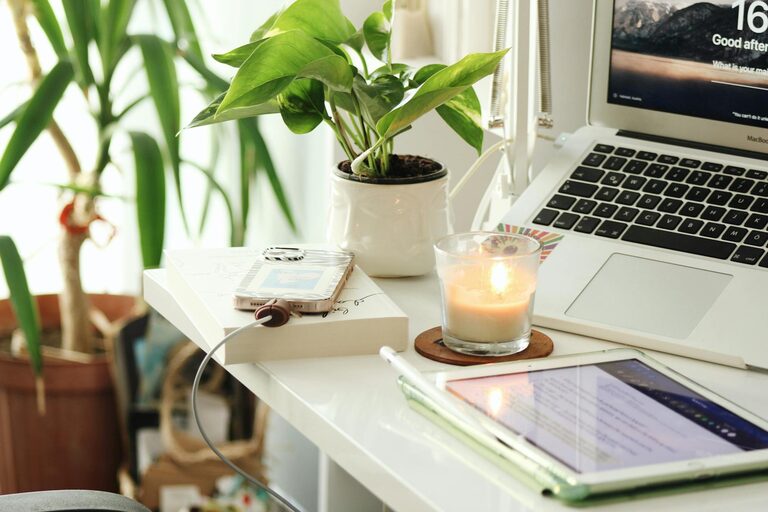
Greenery can help reduce stress and improve air quality. Small potted plants or succulents add a touch of nature without taking up much space. Inspirational artwork or photos can also create a positive atmosphere.
Choose Colours Wisely
Calm, neutral colours like soft blues, greens, or greys tend to promote focus and relaxation. Bright colours can be energising, but avoid overly distracting patterns.
Maintain Good Habits
Take Regular Breaks
Even with a perfect setup, your body and mind need rest. Use techniques like the Pomodoro method—working for 25 minutes, then taking a 5-minute break—to keep fresh throughout the day.
Stay Organised Digitally
Keep your digital files organised in folders and regularly back up important information. A clean computer desktop mirrors the clarity of your physical workspace.
Consider Technology and Connectivity
Reliable Internet Connection
A stable internet connection is a must for smooth video calls and online tasks. Position your office near your router or consider a wired connection for better speed.
Use Quality Peripherals
Invest in a good keyboard, mouse, headset, and webcam to enhance comfort and professionalism during your work.
Final Thoughts
Creating a productive home office requires some planning but pays off in improved efficiency and wellbeing. Choose a quiet, well-lit space, invest in ergonomic furniture, maintain order, and personalise your environment to suit your needs. With these tips, you can build a home office that not only supports your work but makes your day more enjoyable.